Hybrid VR Application
HERA is designed as a hybrid application. This means that the virtual environment can be flexibly experienced in either a classic two-dimensional view (2D mode) or in Virtual Reality (VR mode). This hybridity ensures that the software remains fully operational regardless of the availability of specialized VR hardware.
The provisioning of both modes focuses on two core aspects:
- Hardware-independent accessibility: The three-dimensional spaces and data can be viewed and explored at any time on a regular screen. If a VR headset is available, users can switch to the virtual space for maximum immersion.
- Optimized interaction methods: The user interface and input logic adapt dynamically to the selected mode. This ensures precise navigation and interaction both in the 2D display and directly within the three-dimensional space. Rotating objects is currently not possible in 2D mode; this is planned for the future.
Access to the Learning Worlds
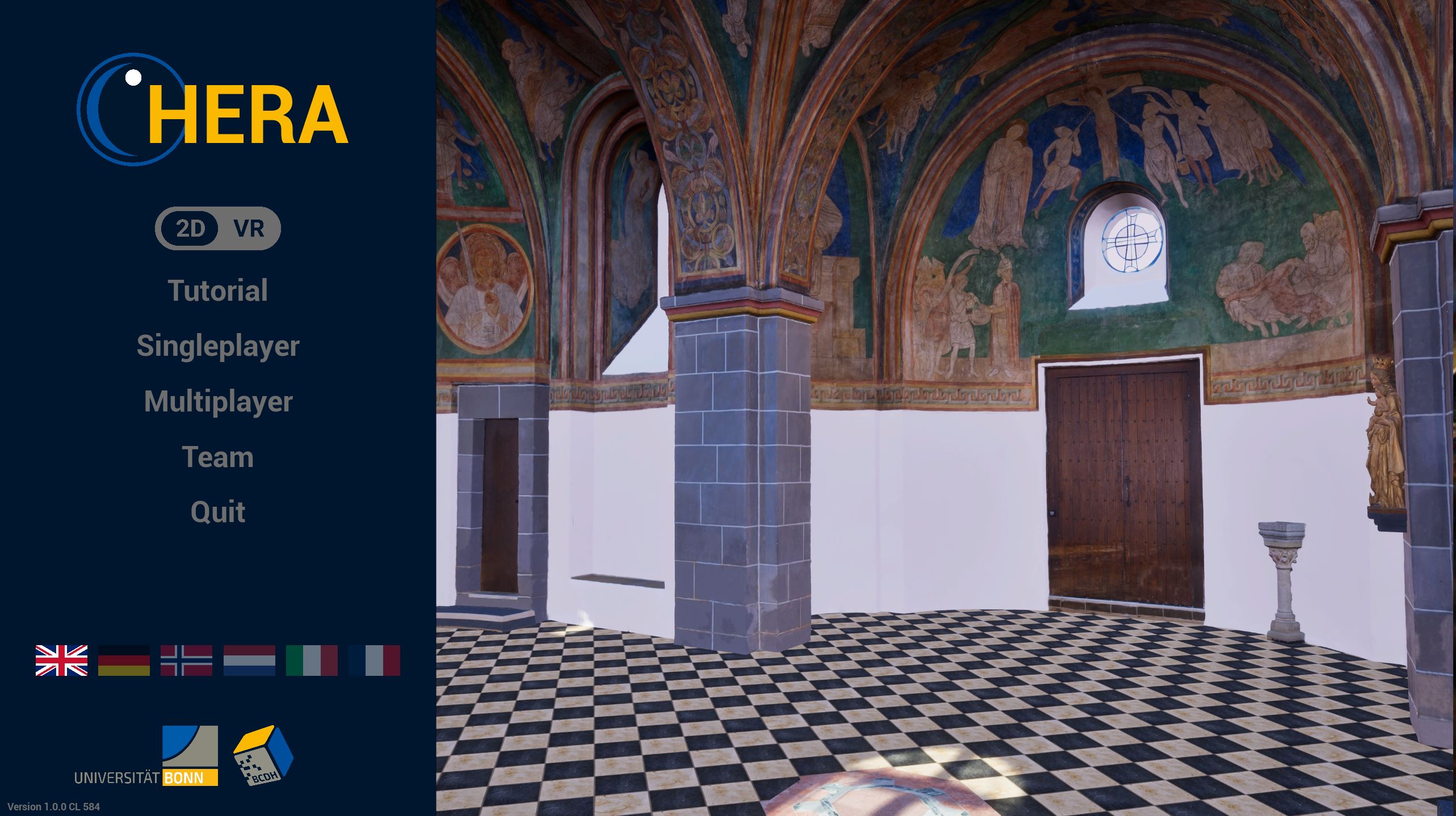
Access to the application and the selection of the desired mode are centrally controlled. To guarantee barrier-free navigation and a comfortable initial setup, the main menu of the application is always displayed in 2D.
Within this main menu, there is a dedicated switch (toggle/switch) that allows users to switch between the 2D and VR display. This option determines how the virtual environments are loaded:
- Set to 2D: The learning worlds are launched for display on a classic monitor.
- Set to VR: The system initializes the VR runtime environment, so that the learning worlds are entered directly and immersively inside the headset.